How it works
From installation to the first session
EasyControl has two parts: the admin computer is in charge, the gaming PCs follow. Everything happens on the club’s local network.
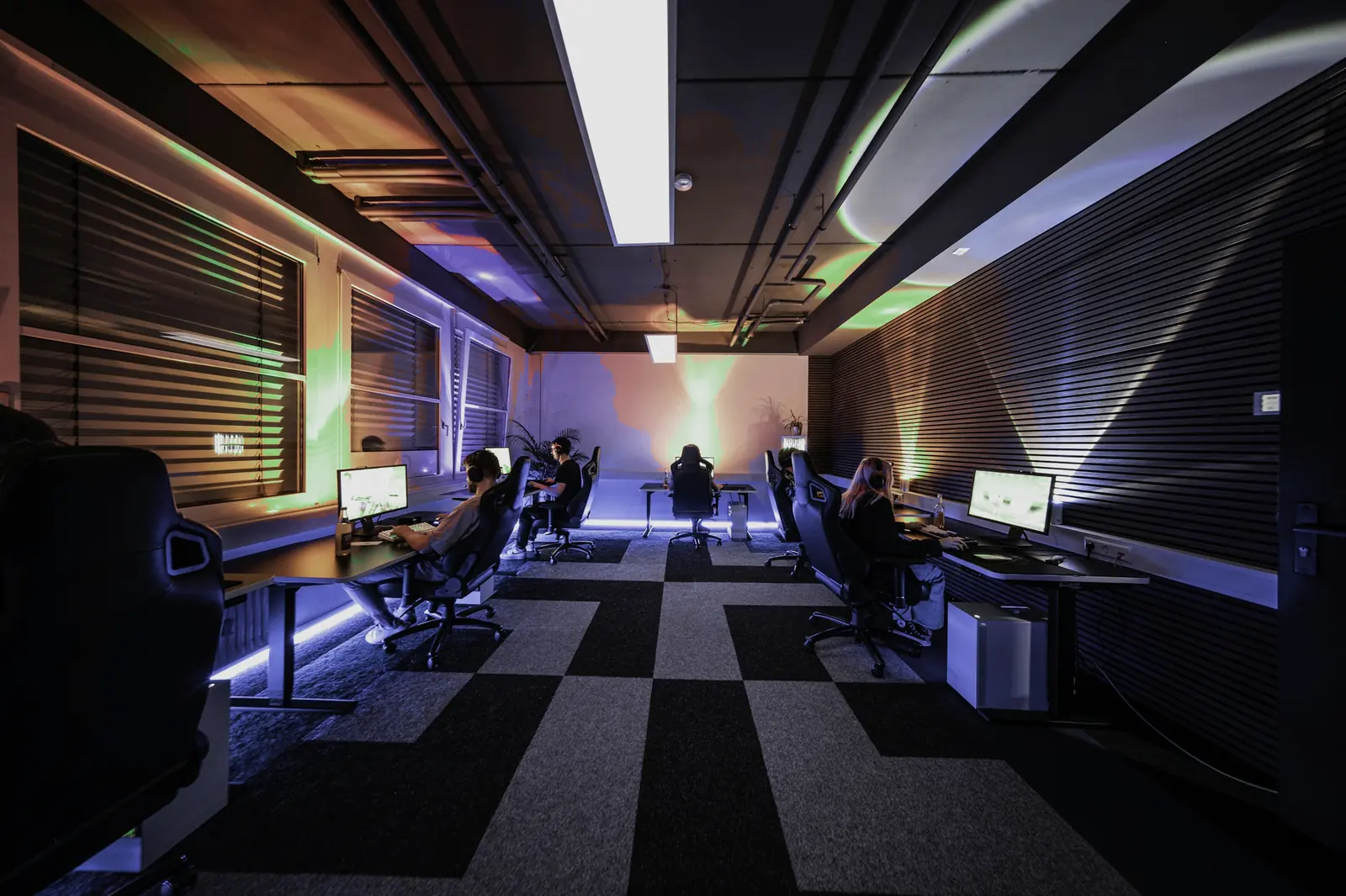
Four steps to go live
- 01
Install EasyControl on the admin computer
The Georgian installer sets up the server and the admin application. On first start you create the owner account.
The server runs as a Windows service and starts with the computer. The admin application talks to it only from the same computer.
- 02
Install and enroll the gaming PCs
On each PC: the agent installer and a one-time enrollment code. The connection is encrypted.
The agent starts and supervises the customer screen; the customer account must be a standard account without administrator rights.
- 03
Set up prices, zones and staff
Zones, hourly rates, packages, operator accounts and the discount limit.
Opening hours, customer-screen warning times and the backup schedule are all in the owner’s settings.
- 04
Run the club from one interface
Sell time, take reservations, close the shift and read the reports.
Operators see only what they need for their work; financial reports, restores and settings are for the owner.
How it fits together
Admin computer
- Server: sessions, finances, database
- Admin application in Georgian
- Encrypted backups
Gaming PCs
- Agent: connection, rules, customer screen
- Lock screen and time overlay
- Remote commands
What you need
- Admin computer
- Windows 10 or 11 Pro (x64), always on during opening hours. An SSD and a UPS are recommended.
- Gaming PCs
- Windows 11 Pro or Windows 10 Pro 22H2 (x64) with a standard customer account. Windows Home is not supported.
- Network
- All computers on one local network; a fixed address for the admin computer.
- For backups
- A USB drive or a network folder, so a second copy of each backup is kept elsewhere.
Windows 10 has not been tested yet. The installers are not digitally signed at this stage.